

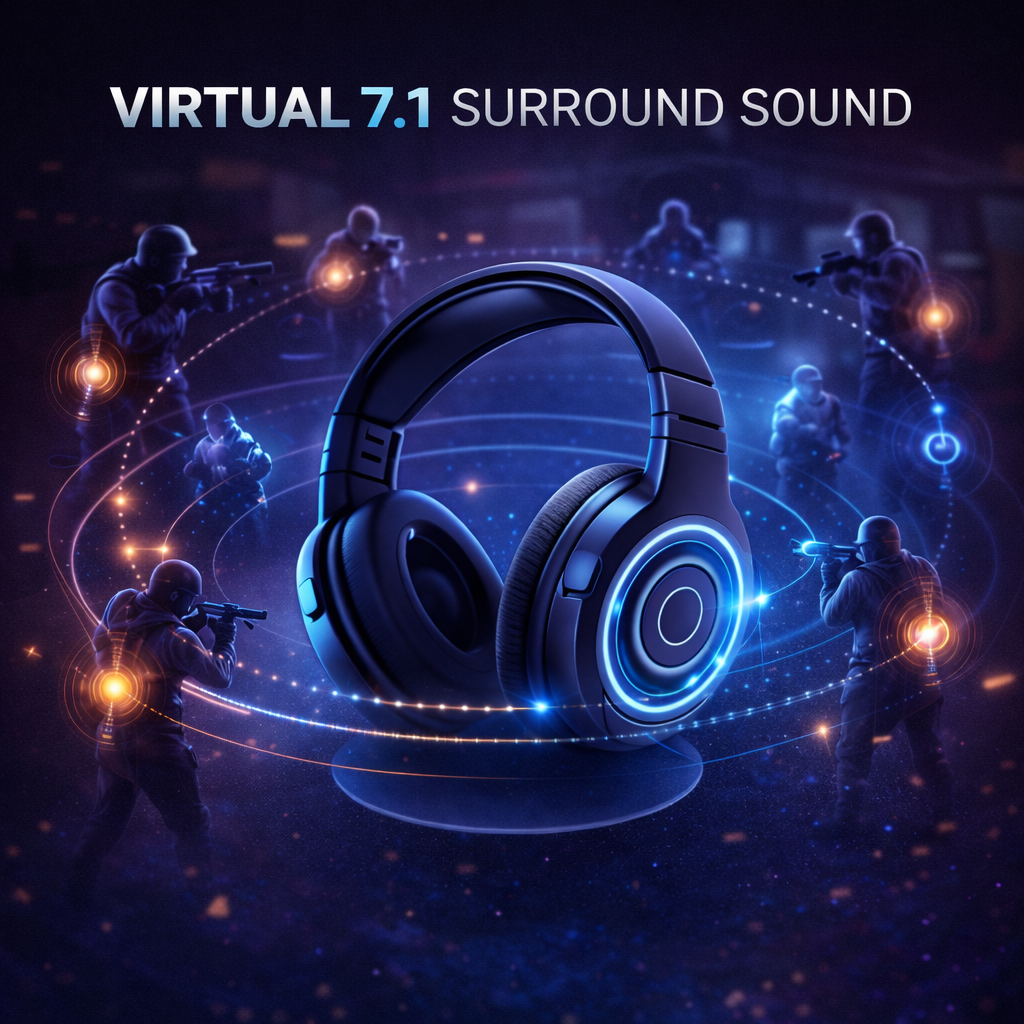
When shopping for gaming headsets, “virtual 7.1 surround sound” is almost unavoidable. Many players naturally assume: the more channels, the more accurate the positioning, and the better the FPS performance.
More channels do not guarantee better positioning. Results depend on the game, the audio processing, the device, and the listener.
- What virtual 7.1 on gaming headsets is
- How virtual 7.1 “creates” a sense of space
- When virtual surround may help or hinder FPS positioning
1. What Is “Virtual 7.1” on a Gaming Headset?
Let’s make the most important point first: the “7.1” printed on most gaming headsets is almost always “virtual 7.1,” not true 7.1.
1) True 7.1 vs. Headset 7.1: What’s the Difference?
In a home theater, 7.1 means: 7 physical speakers placed around you + 1 subwoofer. Sound comes from real, physical positions, and your ears receive natural spatial cues.

Most gaming headsets that advertise virtual 7.1 use two drivers, one per ear. Their spatial presentation is created through processing rather than seven loudspeakers physically placed around the listener.

In other words: 7.1 on headphones isn’t “more physical channels”—it’s “extra processing applied to stereo.”
2) What Is Virtual 7.1, Really?
Virtual 7.1 is essentially: using digital signal processing (DSP) to simulate direction and space on top of stereo. It leverages how humans localize sound (for example: left/right loudness differences, arrival-time differences, and frequency cues), then recalculates the original audio so your brain “believes” sounds are coming from different directions.
Common techniques include:
- Adding small delays (to suggest distance and front/back)
- Adjusting left/right level balance (to shift perceived direction)
- Shaping frequency response (to mimic occlusion/distance)
- Introducing room reverb (larger stage, stronger “surround” feel)
- Reconstructing phase cues (more obvious depth and layering)
The goal is simple: create a “spatial illusion.”
2. What Are the Advantages of Virtual 7.1?
Virtual 7.1 is not a “useless feature.” It’s often very enjoyable in these scenarios: single-player story games, open-world titles, RPGs, movies/TV, and content where ambience and atmosphere matter a lot.
This video is technically supported by IAA Sonic. To watch the full video, please visit: https://immersiveaudioalbum.com/sonic-brand/. If your headset supports virtual 7.1, please enable it and compare the difference before and after turning it on.
- A wider soundstage
- Stronger surround “envelopment”
- Richer environmental details
- A clear boost in immersion
So if virtual 7.1 feels “wow” the first time you turn it on—that’s normal. Its job is to make you feel more immersed.
3. When Extra Surround Processing Can Hinder FPS
Key point: FPS positioning depends on clear cues and correctly configured processing; virtual surround is not automatically better or worse.
1) FPS Needs “Precision,” Not “Envelopment”
In FPS, sound’s most important job is to help you quickly judge: enemy direction, distance, upstairs/downstairs, and whether they’re hugging a wall or behind cover.
That depends on clear, clean, direct details.
But virtual 7.1 often widens the stage, adds reverb and extra layering, and reshapes cues. A common result is:
- It sounds more 3D and more “cinematic”
- But directional judgment becomes easier to misread or feel “blurry” (especially diagonal rear and vertical cues)
2) Processing Can “Soften” Details and Reduce Separation
If a game already outputs binaural audio, an additional surround effect can become a second processing stage. Some effects may soften footstep edges or let ambience mask small cues.
In competitive FPS, these “better-sounding” changes can actually reduce judgment speed and accuracy.
3) Extra Algorithms Can Add Slight Latency or Distortion
Virtual 7.1 requires real-time computation (mixing, delay calculation, phase shaping). On some devices or in certain wireless chains/modes, it can introduce slight latency or make the response feel less “snappy,” which weakens confident positioning.
4) Many FPS Games Are Designed Around Stereo/Binaural Logic
Many FPS titles (especially competitive ones) are tuned around stereo/binaural localization: more direct left-right intensity, cleaner layering, and predictable cues.
Forcing virtual 7.1 can overwrite those relationships—so you may “hear it,” but not judge it correctly.
4. Compare the Correct Audio Configuration
Choose a setting that lets you identify direction and distance consistently. Compare the same scene at a similar volume, and change one processing option at a time.
In FPS, a larger soundstage does not automatically provide more useful information.
VALORANT supports built-in HRTF and compatible external spatial audio. Follow its setup guidance and avoid stacking incompatible processing.
Riot Games: spatial audio setup guidance
5. How to Choose: One Table Summary
| Use case | Recommended mode |
|---|---|
| FPS / Competitive matches | Stereo or a correctly configured, supported spatial mode |
| Footstep-focused play | Start with the game’s recommended headphone mode; compare with additional enhancements disabled |
| Single-player / Story / Open world | Compare stereo and virtual surround; choose your preference |
| Movies / TV | Compare stereo and virtual surround; choose your preference |
Share:
Three Types of Mechanical Keyboard Switches